
A free carousel maker that writes and designs for you
No Canva fiddling, no blank canvas. Describe your idea and Caruva writes every slide and generates an original AI image to match — free to try, no design skills, no credit card.
Describe your idea…
Free to try — no card required
Real output
Generated by Caruva. Not a stock template.
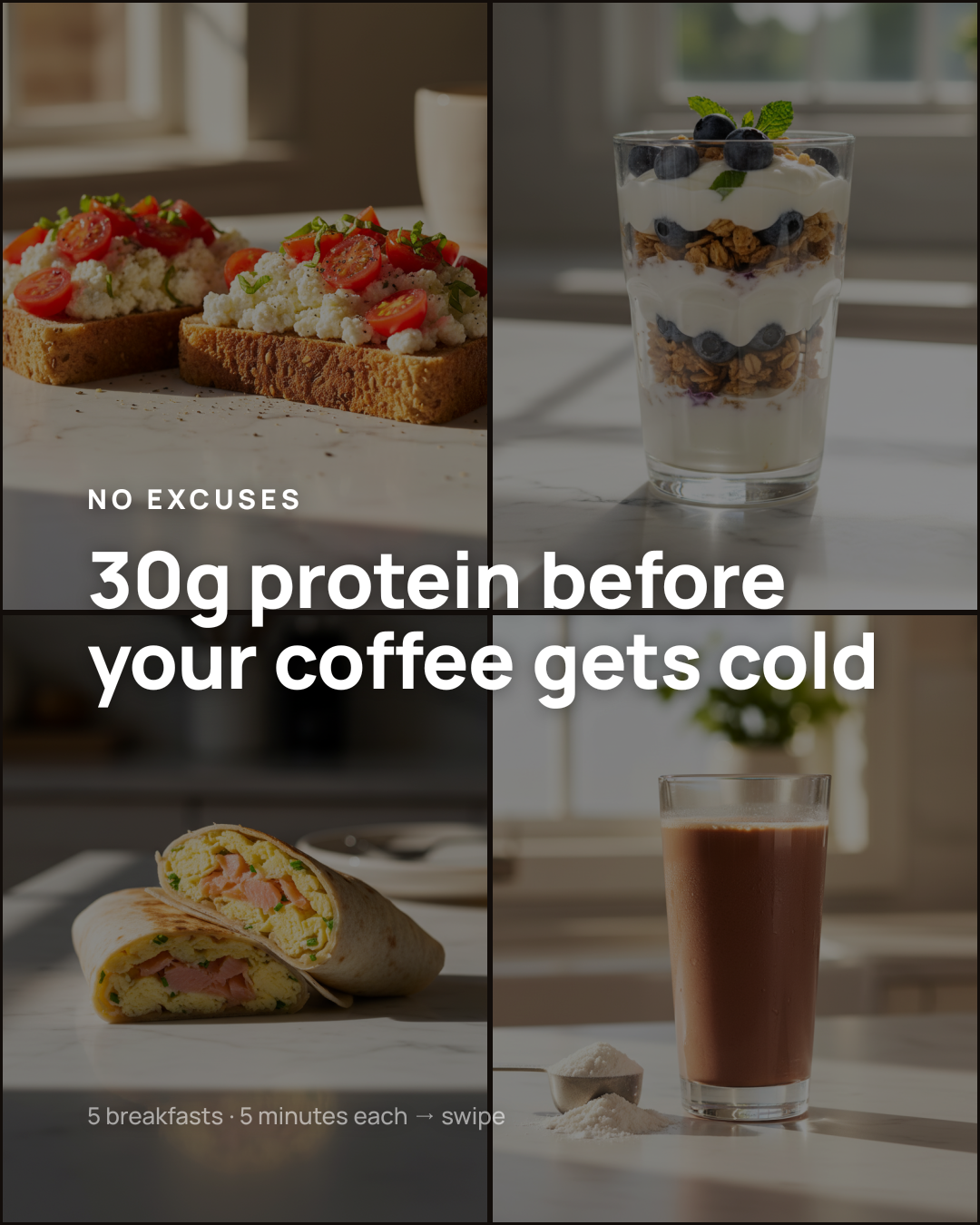 1/4
1/4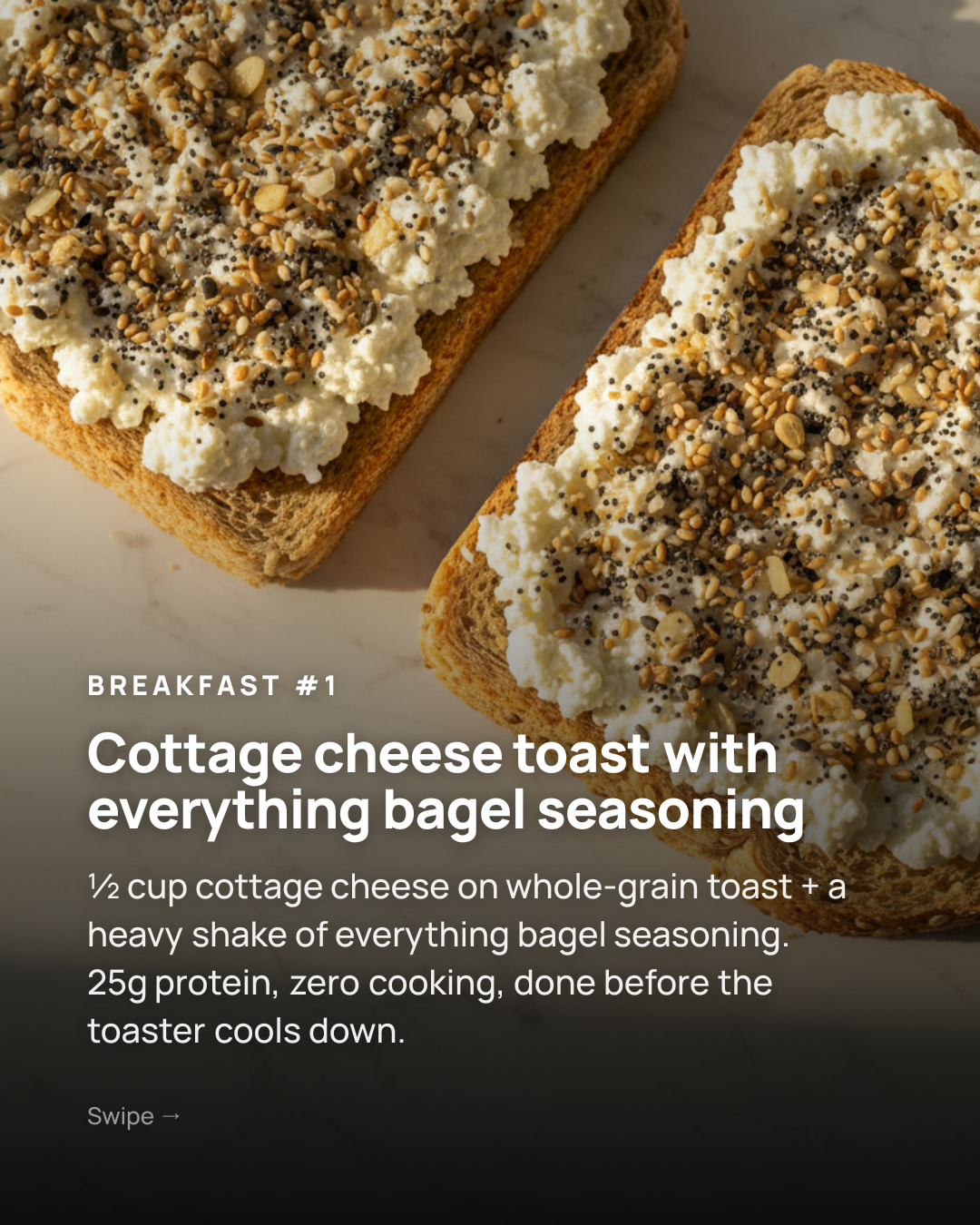 2/4
2/4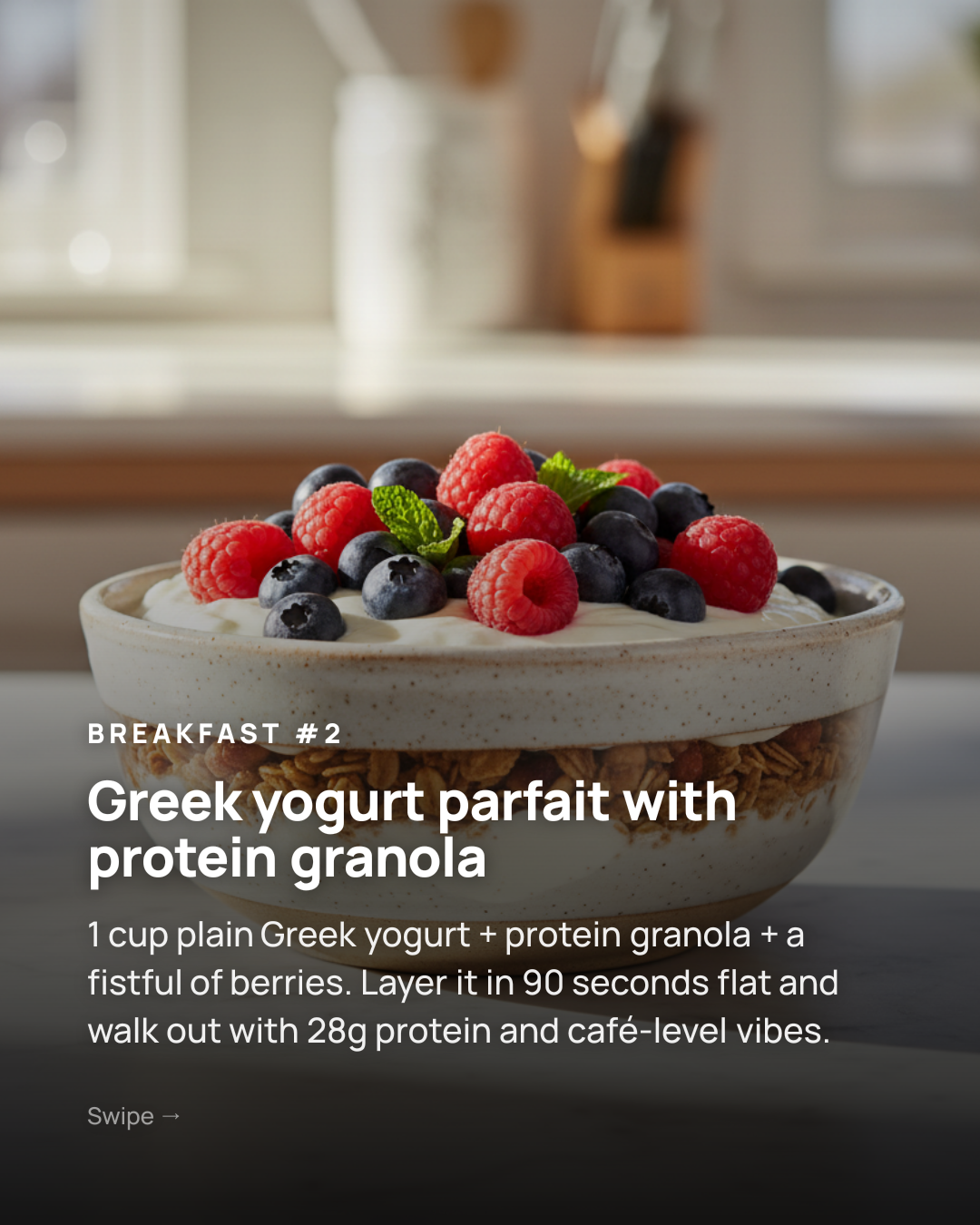 3/4
3/4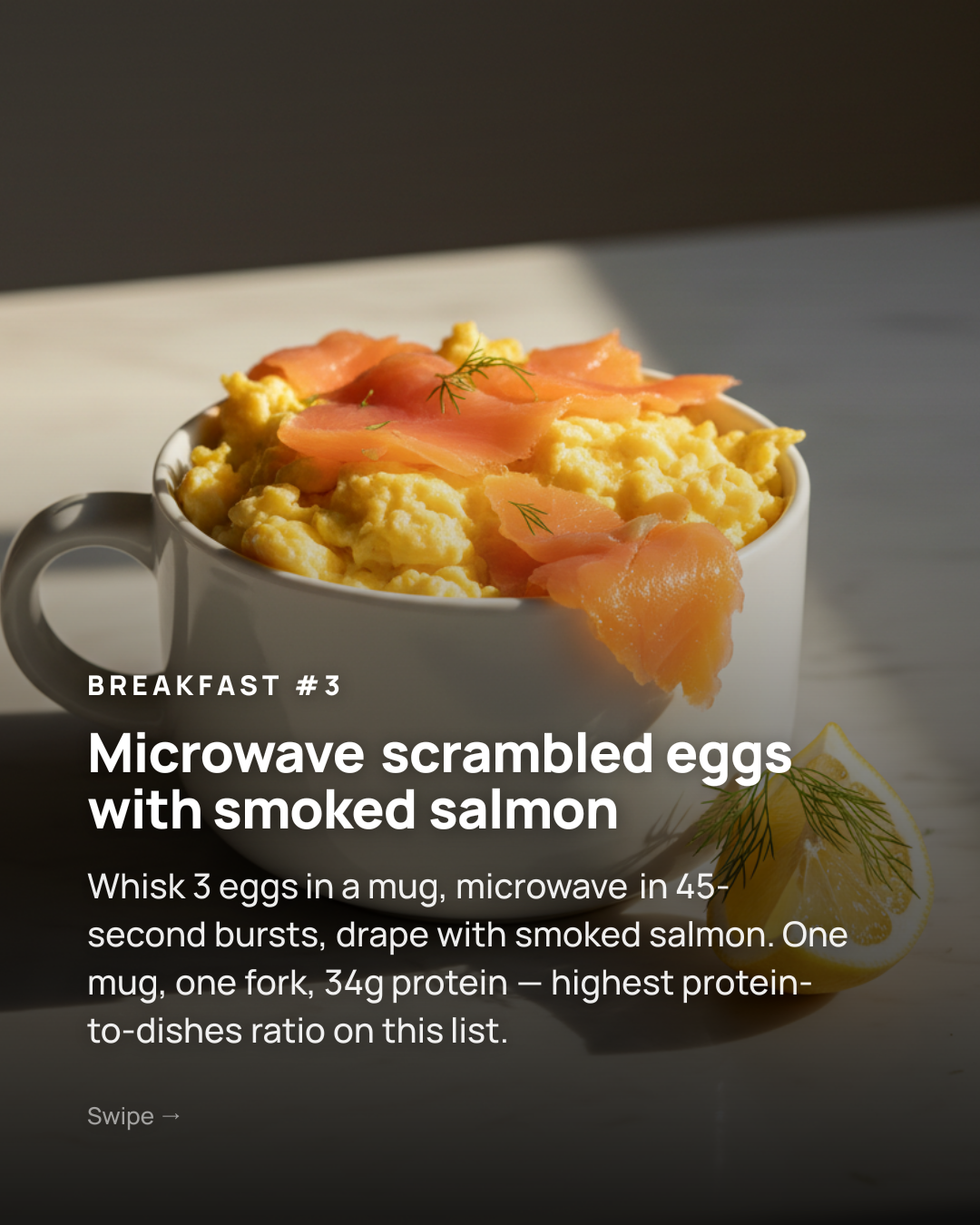 4/4
4/4Made free in Caruva — copy, layout and every image generated from one prompt.
Free, and actually useful
Your first runs are free with real AI images — not a watermark-locked demo. Make something you’d actually post before you ever pay.
No design skills required
You write nothing and design nothing. Caruva picks the layout, writes hook-to-CTA copy and generates the visuals — you just tweak what you like.
Honest about what’s free
Free covers a starter batch of generations. When you want more volume, watermark-free full-res exports and a bigger image budget, plans start at €9/month.
From idea to posted in three steps
Type one idea
“5 budgeting habits that actually stick” — a sentence is all the maker needs.
Generate for free
Caruva writes the slides and generates an AI image for each in about a minute.
Edit & download
Adjust text, swap an image or recolor, then export your slides and post.
See it in action
Frequently asked
Is this carousel maker really free?+
Yes — you get free generations including real AI images on your first runs, with no credit card required. It’s a genuine free tier, not a locked demo. Free previews carry a light watermark; paid plans from €9/month remove it and add full-resolution exports and a larger monthly AI-image budget.
What’s the difference between the free and paid plans?+
Free gives you a starter batch of generations to make and test real carousels. Paid plans (from €9/month) add watermark-free, full-resolution downloads, a monthly AI-image budget for higher volume, and priority generation. The maker itself — copy, design and AI images — is identical on both.
Do I need any design skills?+
None. Caruva chooses the layout, writes the slide copy and generates a matching image for every slide. If you want to customise, you can change templates, colors, fonts and text — but the default output is already post-ready.
Which platforms can I make carousels for?+
Instagram and TikTok carousels (4:5, 1:1 and 9:16), LinkedIn carousels for document posts, plus single posts for Instagram, TikTok, LinkedIn and X. Pick a format and the maker sizes everything correctly.
Can I use my own photos instead of AI images?+
Yes — upload your own photos and Caruva designs the carousel around them, or mix your photos with AI-generated slides. Either way, it’s free to try.
Guides & how-tos
How to make an Instagram carousel people actually swipe through
Sizing, structure, hooks and design — the parts that actually decide whether someone swipes past slide one.
IdeasCarousel post ideas for when you're completely out of inspiration
Forty prompts grouped by what you want them to do — get saved, shared, followed or bought from.
Cheat sheetSocial media image sizes in 2026: the only cheat sheet you need
Carousels, posts and stories across Instagram, TikTok, LinkedIn and X — the exact pixels to design at.