
LinkedIn carousel generator that earns dwell time
Document posts are LinkedIn’s highest-dwell format. Caruva writes the professional copy and generates clean, on-brand images for every slide — export and post as a document.
Describe your idea…
Free to try — no card required
Real output
Generated by Caruva. Not a stock template.
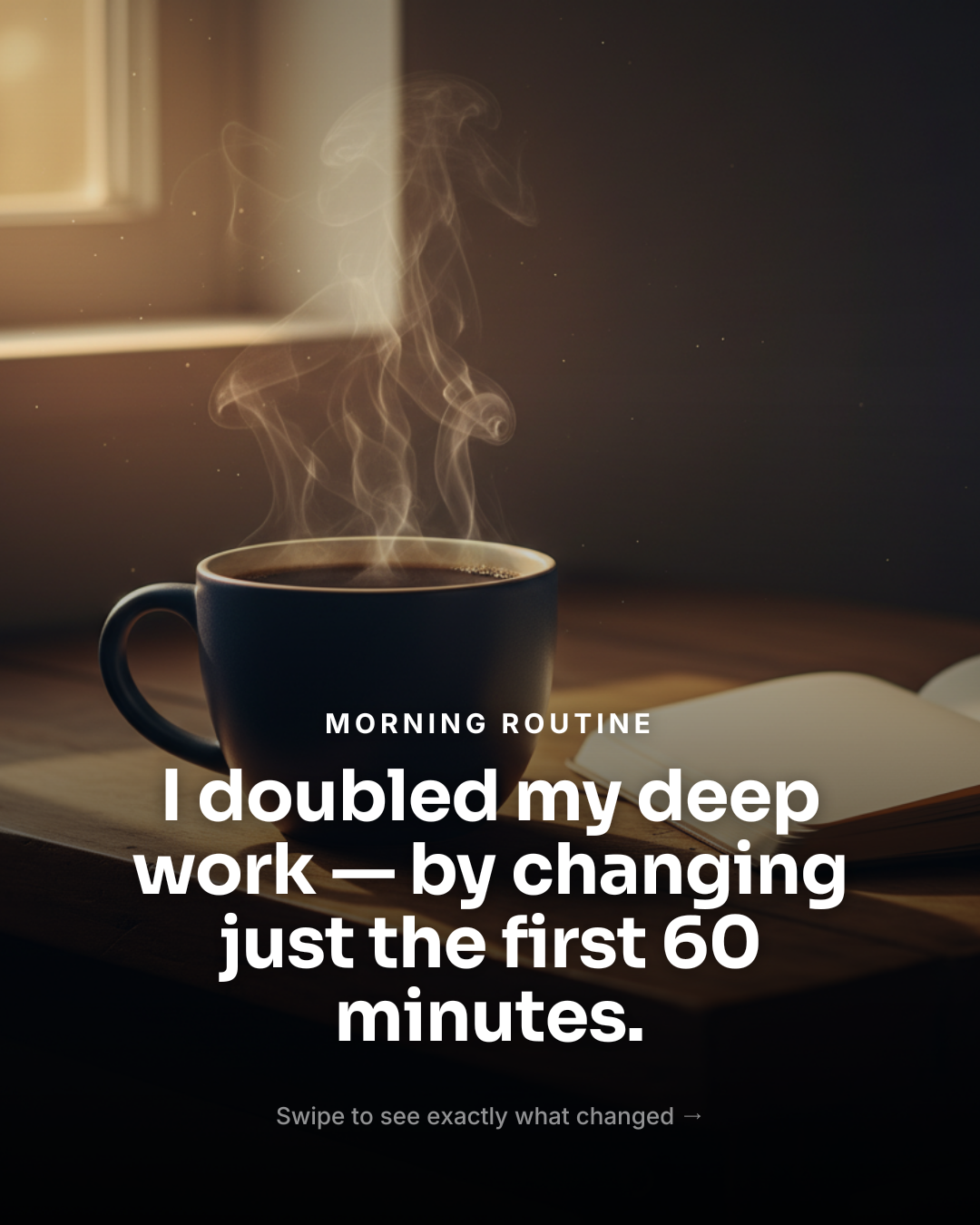 1/4
1/4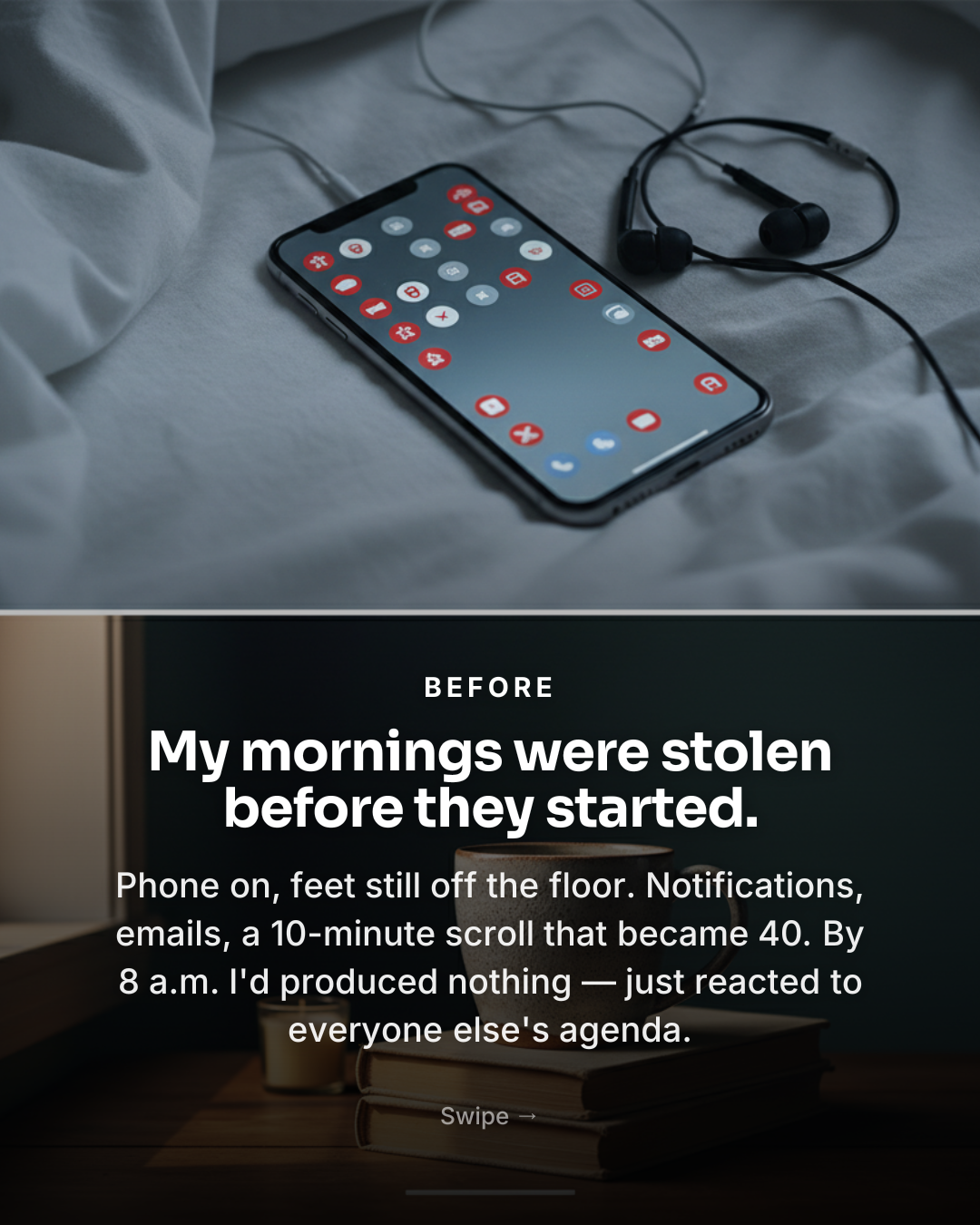 2/4
2/4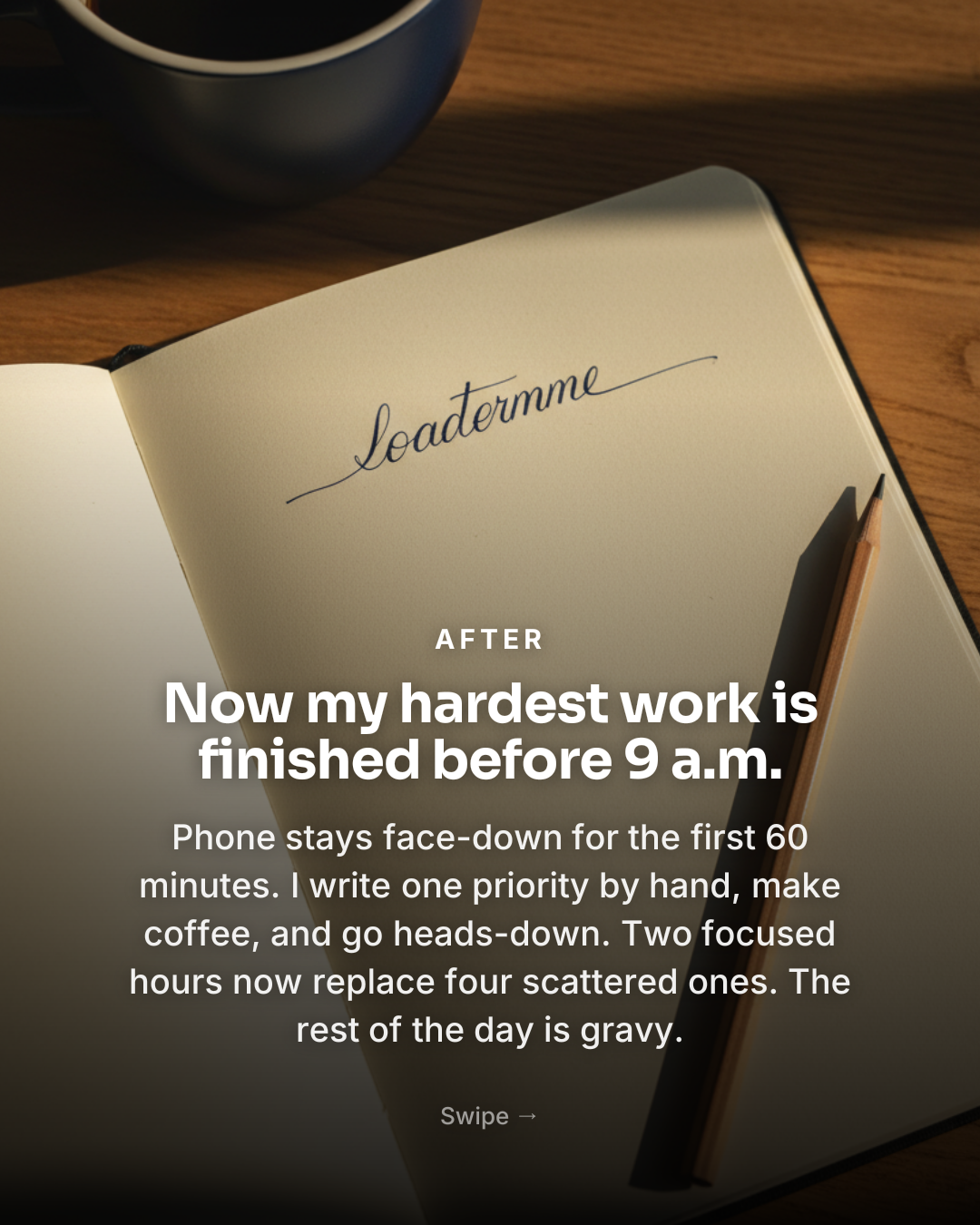 3/4
3/4 4/4
4/4A real LinkedIn-style carousel generated by Caruva — professional tone, original images.
Dwell-time by design
Carousels hold readers on your post while they swipe — LinkedIn’s algorithm rewards exactly that. Hook page, insight pages, CTA page.
Professional tone, human voice
Copy written to sound like a sharp operator, not a press release — choose professional, educational or bold tone.
Slides ready for your document post
Export full-resolution slides and upload them as a LinkedIn document post (PDF) — the format behind every viral LinkedIn carousel.
From idea to posted in three steps
Share your insight
“5 interview red flags great candidates never ignore” — lessons, frameworks, takes.
Generate the carousel
Professional slide copy + clean AI visuals, structured hook → insights → CTA.
Post as a document
Export slides full-res, combine into a PDF and upload as a LinkedIn document post.
See it in action
Frequently asked
How do I post a carousel on LinkedIn?+
LinkedIn carousels are document posts: you upload a multi-page PDF and LinkedIn renders it as swipeable slides. Generate your carousel in Caruva, export the slides full-res and combine them into a PDF (a built-in one-click PDF export is rolling out).
What size should LinkedIn carousel slides be?+
Portrait 4:5 (1080×1350) or square both work well in document posts. Caruva exports both, with text sized to stay readable at feed scale.
Do carousels still work on LinkedIn?+
Yes — document posts consistently rank among LinkedIn’s highest-engagement formats because swiping creates dwell time, which the feed rewards. The hook slide decides everything; Caruva writes it hook-first.
Can I match my company branding?+
Pick from 20+ templates, then recolor and refont to your brand. You can also upload your own photos — or let the AI generate clean, professional visuals.
Guides & how-tos
How to make an Instagram carousel people actually swipe through
Sizing, structure, hooks and design — the parts that actually decide whether someone swipes past slide one.
PlaybookHow to write hooks that stop the scroll (with templates)
Why the first line is the whole game — the angles that work, and templates you can steal.
Cheat sheetSocial media image sizes in 2026: the only cheat sheet you need
Carousels, posts and stories across Instagram, TikTok, LinkedIn and X — the exact pixels to design at.